Filter Rule Explorer
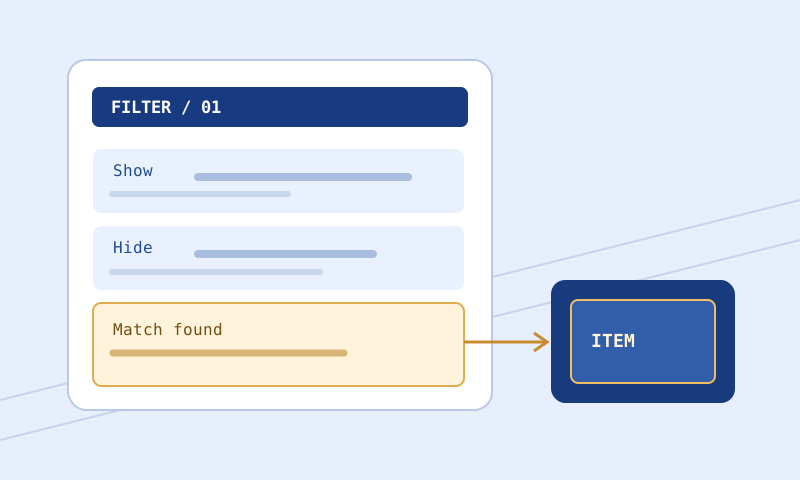
Browse a supplied filter as searchable, paginated Show, Hide, and Minimal blocks with line numbers, raw snippets, and bounded explanations.
Workspace
Your filter input is processed in this browser, not sent to the website for analysis.
Inspect the structure of a filter
Up to 5 MiB, processed locally in a worker. This read-only explorer lists blocks and their original source lines. It does not evaluate an item, check game compatibility, resolve imports, or prove that rules are reachable. Unknown and unexplained keywords remain uncertain.
Changing input or search controls clears the old report. Inspect again to apply them. Up to 20 blocks are shown per page; each raw snippet is capped at 12,000 characters with an explicit truncation warning. Copy and Download export the current page report, not the original filter or all pages.
This interactive tool needs a modern browser with JavaScript and local worker support. Processing stays on your device.
Verification note: Structural reading aid based on supplied text; no current client patch or item-match behavior verified.
Find the block you need to inspect
Filter Rule Explorer turns a supplied plain-text filter into a navigable list of recognizable Show, Hide, and Minimal blocks. It displays source line numbers, a raw snippet, and short plain-English descriptions of recognized instruction keywords. Its search narrows results by block header or instruction keyword, not by item names, numerical arguments, or arbitrary comment text. It is a reading aid, not a simulation of the game’s filter engine. An explanation saying that a block contains Rarity does not mean that the block matches a particular item.
Load the right revision first
Paste text or choose a local .filter or .txt file in the tool’s input. Use the sample if offered to learn the result layout before bringing in your own file. Check the start and end of the loaded text, its game context, and the revision name you intended to inspect. The search operates on the supplied text; it is not a site-wide search or a lookup of downloaded community filters. If you have two revisions, inspect them separately or compare them with Filter Compare. The explorer does not know which revision your game client currently selected.
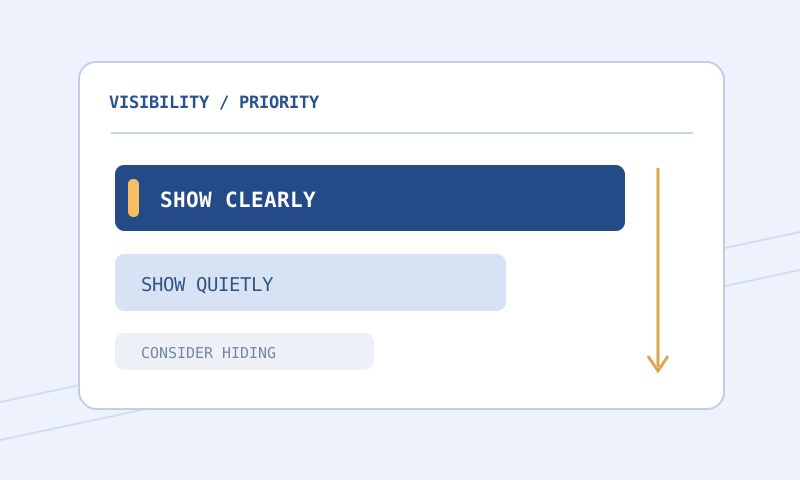
Choose Show, Hide, or Minimal to narrow your scan, or All for a full index. A Hide-focused pass is useful before increasing strictness; a Show-focused pass helps find written exceptions. Search for an instruction keyword such as BaseType to locate blocks that contain that key. Searching for a quoted base name will not find it unless it happens to occur in a block header or keyword name. Open the displayed raw snippets to inspect argument values. Search is case-insensitive and limited to 80 characters. Clear the search when investigating a missing behavior rather than assuming no written rule exists.
Read each result from source to explanation
Start at the source line number and inspect the raw snippet, including header, conditions, actions, comments, and their order. Then use the notes as bounded descriptions of visible instruction keywords. These notes can distinguish a visibility header, a condition such as Rarity, and a presentation action such as SetTextColor. An unfamiliar keyword remains unexplained rather than receiving an invented interpretation. The notes cannot determine which of several blocks an item finally reaches without evaluating complete item properties and control flow. They cannot classify an item’s market value from a colored label.
Line numbers refer to the text you supplied, including blank lines and comments. If you paste an excerpt, line 1 is the excerpt’s first line, not necessarily line 1 of the installed file. Record the full-file line number when reporting an issue. Inspect the actual operator, argument, and quotation marks rather than paraphrasing a condition from memory. The raw snippet is capped at 12,000 characters per block and indicates when text is omitted; a truncated snippet is not a complete block. The list shows 20 matching blocks per page, so check the page count before deciding you have reviewed every result.
Worked example: two different written rules
Imagine this small constructed PoE 1 Normal text:
# Candidate rules for review
Show
    Rarity Rare
    SetTextColor 255 220 180

Hide
    Rarity Normal
    ItemLevel < 10
The explorer can locate a Show block starting on line 2 and a Hide block starting on line 6. A query for Rarity should include both blocks because each contains that instruction keyword. A query for ItemLevel should narrow to the Hide block. Searching for Normal does not search the condition’s argument, so do not interpret a missing result as proof that no Normal-rarity rule exists. Read the snippet for the exact value.
The written Hide condition asks for Normal rarity and an item level below 10. This is a description of the text, not a claim that every low-level normal drop is hidden in every environment. An earlier matching block, continuation behavior, other conditions in a full file, or game-specific interpretation can affect the outcome. The example is not an item-value recommendation. A snippet containing only these blocks is no substitute for the complete filter and a copied item test.
Imports change what you can conclude
Suppose your actual file also includes Import "personal-exceptions.filter" before the blocks above. The explorer can report Import lines present in the parent text, but it does not open the referenced files or insert their blocks into this index. It displays at most 20 import previews; if more exist, the count signals that the report is incomplete. The absence of an exception in the parent’s displayed block list is not proof that no exception exists in the installed configuration. Inspect the imported source separately, verify availability in the client environment, and consult the official language documentation for import behavior.
Do not paste an Import path into the search field expecting the browser to browse your local filesystem. An unresolved dependency can be present and working in your game but unavailable to this webpage. Conversely, a syntactically plausible path can refer to a file the client cannot access. Those cases require different checks. Keep parent and imported revision names together when investigating an unexpected label.
Order is not a count of Show versus Hide
It is tempting to count three Show results and one Hide result as if that determines visibility. It does not. A broad Show placed above a narrower Hide can prevent the later rule from being reached when evaluation terminates without Continue. A Continue instruction can allow later rules to participate; its interaction with later style actions needs careful reading. The explorer records written block locations and describes the keyword, but performs no control-flow simulation or reachability analysis. Even a block with a plausible condition may never matter to your representative item because of earlier decisions.
Check neighboring blocks in source order. If you view only a later page of search results, you may miss a relevant earlier block that does not contain your search keyword. Change back to All and browse from the beginning when order is important. Do not move a block in your source merely to improve its position in a search result: changing order is a substantive edit, unlike viewing another page.
Use the right tool for the next question
Use Filter Validator to check its supported syntax subset. Use Item Tester with a representative complete copied item for a bounded matching result. An unknown result is not a Show or Hide verdict. Use this explorer to locate written instructions and Filter Formatter for leading layout when the text is hard to scan. None of these tools loads the game client, enumerates installed custom sounds, resolves imports automatically, or establishes a current price. Their outputs inform a deliberate local test rather than replacing it.
Copy or download an explorer report when you need to share a reproducible reading, but note that its report covers the current search and page, not every block. A report can contain source text, comments, and local paths; inspect it before sharing. To report a bug, provide a minimal safe example, the selected game and mode, the relevant line number, what you expected, and the actual result. Avoid private notes and local usernames.
Limits remain visible
The explorer parses supplied text structurally and exposes a diagnostic count, but does not check every keyword’s allowed range or mode validity. Minimal is mode-specific and Hide has mode restrictions; select the actual game and mode in the validator and check the official reference. Descriptions are bounded to known keywords: at most 40 distinct keyword notes per block appear, with an omission count if needed. More than 30 parse diagnostics are also abbreviated in the report. These limits prevent a very large or unusual input from masquerading as fully explained text.
If a file exceeds the 5 MiB input limit, preserve the rejection rather than treating it as a complete reading. A short diagnostic excerpt can help locate a typo, but it cannot establish the full-file outcome. A malformed quote can interfere with structural grouping; consult the original file and exact client message before assuming the visible index is complete. An unsupported but documented keyword should not be deleted just because this tool cannot explain it. A plausible keyword description does not establish current client acceptance either.
Questions and next steps
Will this tell me what happened to one item? No; supply that item to the tester and confirm in the client. Can I search imported files? Load their text separately. The tool does not resolve Import paths. Is a plain-English note official documentation? No; it summarizes a keyword in supplied text. Why is my line number different? Check for an excerpt, removed blank lines, or another revision. Does a listed block mean it is reachable? No.
Read How to Read Loot Filter Rules for a step-by-step source-reading procedure and Troubleshoot Loot Filter Errors if the client reports an error. Confirm language details against GGG’s item-filter reference. This page describes text structure, not a live game result.