Path of Exile 1 Loot Filter Guide
Plan a PoE 1 filter around equipment needs, crafting goals, readable labels, and testable exceptions rather than assuming strictness equals value.
Last reviewed: 2026-09-30. Verification note: GGG filter reference reviewed 2026-09-30; no current PoE 1 patch or in-game test verified.
Start with the decisions a filter can actually make
A Path of Exile 1 loot filter changes how dropped items are presented. It can show or hide labels, alter their colors and size, and attach supported alerts or visual markers. It does not change the items that drop, identify an item’s hidden modifiers, or guarantee a sale price. The best starting point is therefore a list of decisions you want to make faster, not a promise to reveal every valuable item automatically.
This guide focuses on an understandable personal workflow. The site’s builder contains original starter categories rather than a maintained economy filter. No live prices, account synchronization, or current-patch certification are provided. GGG’s language documentation was reviewed on September 30, 2026; that date describes research and does not establish that these examples were tested in the running game.
Define your current loot needs
Separate immediate upgrades from future projects
Write a short list of equipment you are currently willing to replace. Include the relevant weapon or defense families, not just the name of a highly specific finished item. A filter sees documented properties of drops, while your gearing decision can involve modifiers, resistances, attributes, sockets, and broader build constraints. A useful label identifies something worth inspecting; it does not finish that inspection for you.
Then list future projects separately: a base you want to craft, supplies for another character, or materials you are currently short of. These can deserve exceptions even if you rarely pick them up during an ordinary session. A strict preset built around another player’s completed equipment can hide precisely the ordinary-looking base that matters to your project.
Decide how trade influences your priorities
Trade value and personal utility are different categories of information. A resource that is inexpensive to buy may still be useful to collect, particularly when trading would interrupt your play. Conversely, a visually impressive item may not fit your build or have a buyer. This toolkit cannot resolve those judgments using live market data because it does not retrieve any.
If you maintain external price research, keep its source and date in your own notes. Do not turn a static starter category into a claim of current value by renaming it expensive. Market conditions, league circumstances, and demand can change while the filter file remains identical.
Understand the basic rule model
Blocks combine conditions and actions
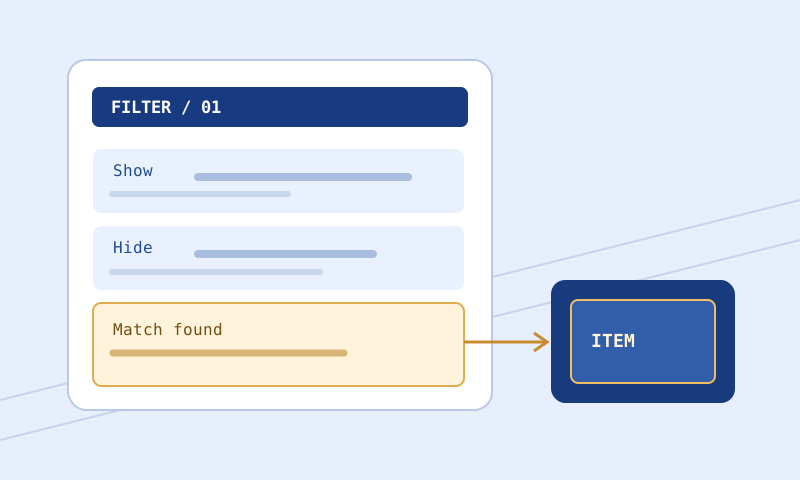
A block begins with an appropriate visibility instruction and contains conditions that select items plus actions that style them. All conditions in the block must match. A class condition and an item-level condition are not alternatives simply because they appear on separate lines. Misreading that relationship can cause a narrow rule to miss more items than expected.
Action lines do not select an item by themselves. SetTextColor changes the appearance of whatever the block matches; it does not mean currency, equipment, or high value. Give each block a clear purpose so that the conditions and presentation communicate the same intent.
Ordering is part of the logic
A matching Show or Hide normally stops evaluation unless Continue applies. Put important specific exceptions where they can be reached before broader terminating rules. An exception at the bottom is not automatically an override. Likewise, Continue is a control-flow choice rather than a harmless formatting instruction; later matches can affect the accumulated result.
Imports require special attention. A parent file can be easy to read while delegating essential behavior to another file. If the imported contents are unavailable to a browser tool, the combined behavior remains unresolved. Keep dependency revisions together when backing up or comparing a filter.
Choose a conservative first revision
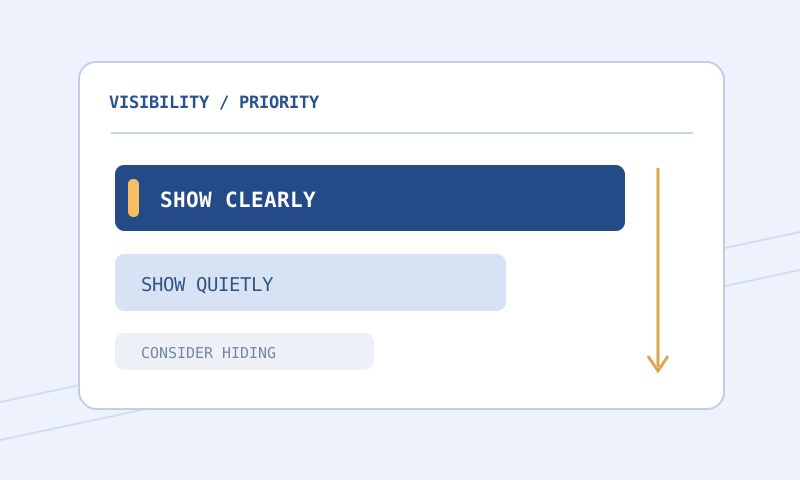
Use the Strictness Explorer to understand the trade-off between visibility and clutter. Familiar labels such as Regular and Semi-Strict are editorial conventions, not language keywords or universal promises. Inspect the actual categories affected. A learning character may benefit from a broader view even when a more restrictive name is popular in discussions.
Reduce emphasis before hiding uncertain categories. Routine equipment can use a smaller neutral label while a desired equipment family receives a distinctive border. This preserves information while reducing the number of urgent signals. Once you have evidence that you consistently ignore a category, a narrower rule becomes easier to justify.
Keep a separate purpose-specific file if you later focus on a particular activity. A filter tuned for one farming session should not silently become the default for a new character. Clear filenames and a permissive fallback reduce that maintenance risk.
Examples of useful PoE 1 review questions
Does a level threshold include the boundary?
Show
    Rarity Rare
    ItemLevel >= 75
    SetBorderColor 120 190 255
    SetFontSize 36
This educational block illustrates an inclusive item-level boundary for rare items. It is not an economy recommendation and does not imply that every matching item is useful. Compare an actual sample at the boundary with one below it where available. Also inspect earlier rules: an item satisfying this block may already have encountered a terminating match.
Am I confusing socket information with a complete upgrade decision?
Socket and link properties can be relevant to Path of Exile 1 filtering, but a copied item may not expose every property in a format the browser parser supports. Inspect the parsed summary rather than assuming a visual socket arrangement was understood. A promising socket configuration does not establish that the item has the defenses or modifiers your character needs.
Does a broad equipment rule protect my specific base?
A class-level rule can preserve many bases at once, which may be appropriate while learning. A base-specific exception can be quieter but is easier to mistype or place after a broader Hide. Check the documented string operator and use exact matching only when its syntax and intended base are confirmed. Similar names are a reason to test near matches, not a reason to assume all names are equivalent.
Make the label system consistent
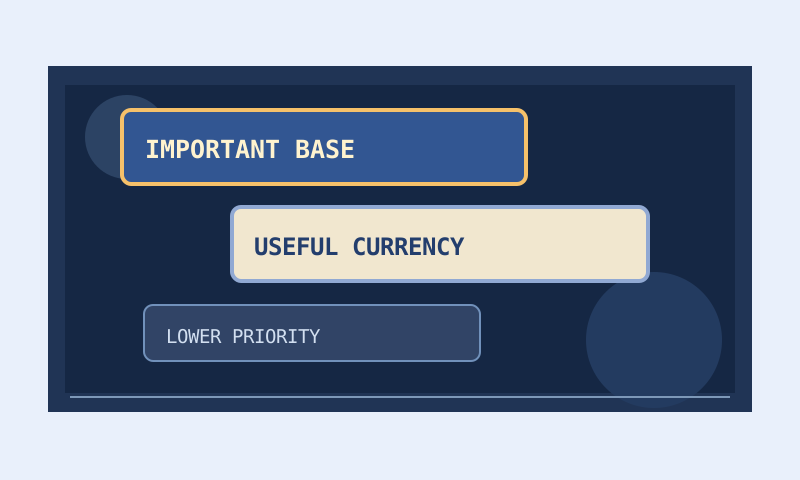
Choose a small number of visual roles. A neutral style can mean routine inspection, a stronger border can mean personal equipment interest, and a distinct audio cue can mean a resource you rarely want to miss. The labels need not encode every possible economic tier. They should communicate decisions you can remember during play.
Use the Color and Contrast Palette to examine text against composited backgrounds. Transparent fills inherit environmental variation, so test multiple ground swatches. A high browser contrast ratio is helpful evidence about a color pair, not proof of complete in-game accessibility.
Keep sounds sparse enough to remain meaningful. If every routine pickup uses an urgent alert, the cue stops helping you prioritize. Built-in sounds and custom files require different maintenance: a custom filename is an external dependency that a browser cannot verify without relevant supplied information.
Validate, test, compare, and install
Check syntax before investigating complex behavior
Run the complete proposed revision through the Filter Validator with Path of Exile 1 selected. Resolve structural errors first, then inspect value ranges and warnings. The reviewed reference documents font sizes from 1 through 45 and color components from zero through 255, but syntactic validity does not make every value sensible for readability.
Use targeted item samples
Paste actual supported copied item text into the Item Tester. Verify the parsed class, rarity, level, and other relevant fields before reading the result. Test the intended match and an item that should remain outside the exception. Missing properties, unsupported conditions, and unresolved imports must stay unknown rather than being treated as successful matches.
Review changes and preserve rollback
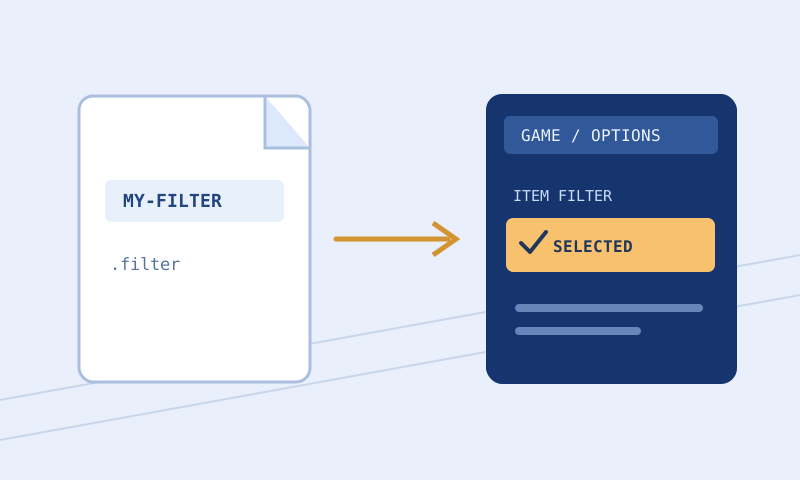
Compare the old and proposed files before installation, prioritizing visibility, conditions, and order. Follow the installation guide to confirm the actual client folder and full .filter extension. The commonly cited Windows Documents path remains an example requiring local verification. Keep the old revision selected or available until the new file has loaded and been observed.
Mode-specific caution
The reviewed reference distinguishes ordinary filter behavior from Ruthless-related rules, including the role of Minimal and restrictions affecting text alpha. Do not assume that accepting a block keyword in one mode makes it suitable in another. Select the actual environment and consult the relevant documentation notes before adapting examples.
A browser tool with limited mode coverage cannot certify unsupported semantics. If your filter relies on a mode-specific feature that the tool does not evaluate, preserve that limitation in your review record and test through the appropriate client workflow. Removing the feature merely to obtain a clean browser report can damage the intended filter.
Common problems and fixes
Wanted items disappeared after tightening the filter
Restore the previous version while investigating. Compare newly added Hide rules and broadened conditions, then check the ordering of personal exceptions. Do not assume that a lack of visible drops proves a game change. Your presentation rules may simply be suppressing them.
A valuable-looking category is overwhelming the screen
Examine whether the category is defined too broadly or merely styled too urgently. Reducing font size and audio can solve emphasis problems without excluding useful items. If the condition itself is broad, narrow it only after identifying what distinguishes the items you actually want.
The validator accepts a file that the client rejects
Confirm the exact file and game, preserve the client message, and review the relevant instruction in current documentation. Browser checks cover a subset of possible problems. A documentation review date is not a compatibility promise for every installed client version.
Frequently asked questions
Does a loot filter improve drop rates?
No. It changes presentation and can improve your ability to notice selected drops, but it does not alter loot generation or guarantee better items.
Can this starter replace a fully maintained economy filter?
Not on that basis alone. It is an original, limited starter model with no live price feed. Review its coverage before considering it for your everyday use.
Is a rare item always worth highlighting?
No universal rule follows from rarity alone. Personal needs, base properties, modifiers you inspect later, and trading goals all influence whether the item deserves attention.
Can I copy my PoE 1 file into PoE 2?
Do not assume compatibility. Shared syntax does not make the games’ classes, conditions, and item systems interchangeable. Use the separate game guide and review the export independently.
Why does the tester report unknown?
It may lack a required property, supported condition, or imported file. Unknown is a limitation to investigate, not confirmation that the item will be shown or hidden.
Which patch was tested?
No current patch is claimed as tested. The GGG reference was reviewed on September 30, 2026, and important behavior still requires in-game verification.
Related reading
Continue with choosing strictness from real pickup needs, maintaining sounds and colors, and the separate Path of Exile 2 guide. Consult GGG’s official language reference for exact syntax rather than treating a starter example as complete documentation.