
First, get it into the game
Where to put an exported file, how to select it, and what to check when it does not appear.
A practical reading room for installing, testing, and understanding Path of Exile loot filters. Start with the setup guide if you have never selected a filter in-game. Then follow the game-specific and rule-focused guides as your needs become more precise. We distinguish documented behaviour from anything that still needs verification in the live client.
New to filters? Begin with installation. Already editing? Go straight to the guide for the game whose file you are changing.
Where to put an exported file, how to select it, and what to check when it does not appear.
Read conditions and rule order in the context of the first game.
Understand what changes before adapting a rule or moving a filter between games.
Return to these explanations when a warning needs context or an item label behaves differently from what you expected.
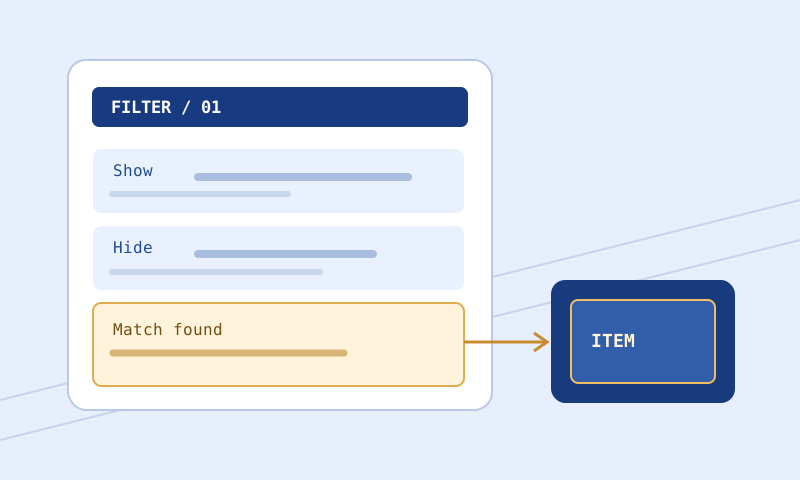
Separate file discovery, parser errors, missing dependencies, stale selections, and surprising drops without erasing the evidence.
Keep a rollback file, make one intentional change, compare and validate the revision, then confirm it in the client with representative cases.
Build a cautious PoE 2 filter workflow using game-specific conditions, explicit uncertainty, personal upgrade needs, and independent installation checks.
Plan a PoE 1 filter around equipment needs, crafting goals, readable labels, and testable exceptions rather than assuming strictness equals value.
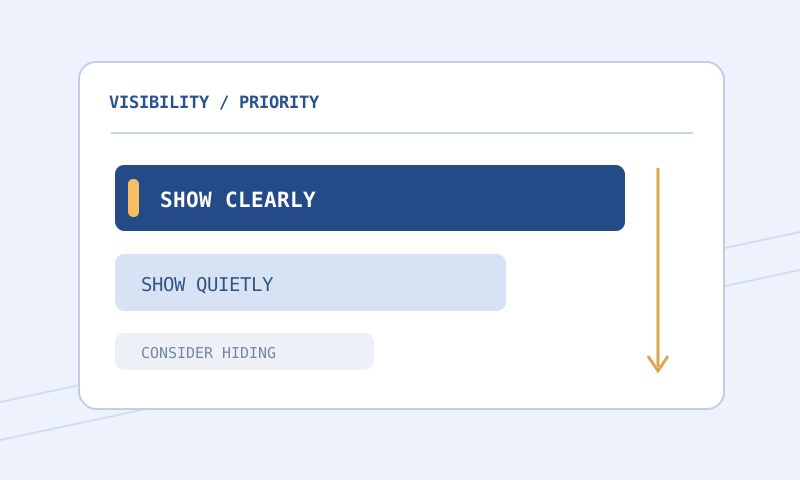
Choose strictness by pickup value to you, not by a preset's prestige. Review exclusions, maintain exceptions, and test changes with a rollback plan.
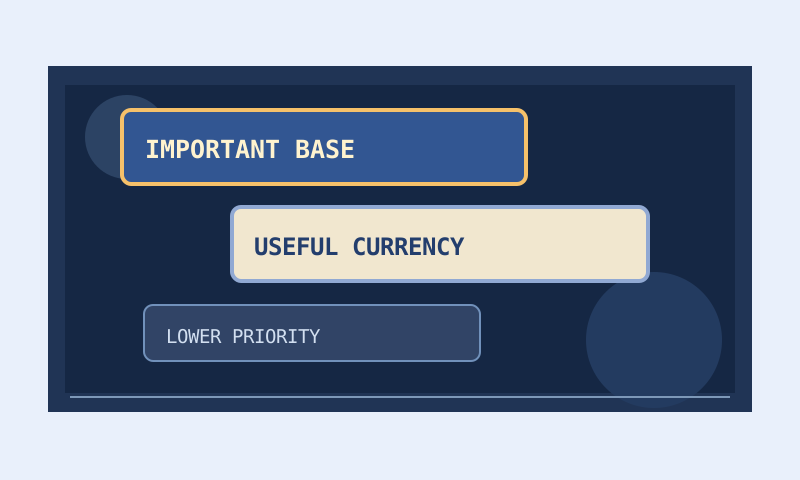
Create consistent label roles, understand alpha and contrast, keep alerts useful, and troubleshoot custom sounds without overclaiming browser verification.
Read block headers, conditions, actions, order, and imports from real filter text before testing a representative item.
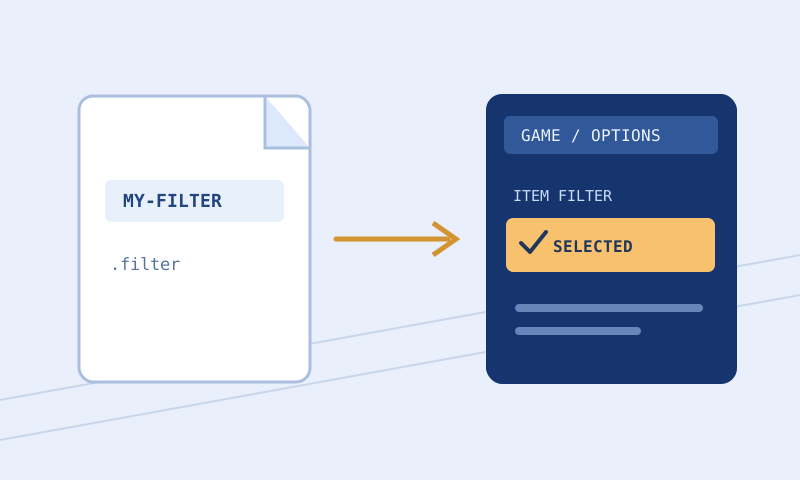
Follow a cautious local-file workflow: export, confirm your client folder, inspect the extension, select and reload, then test with a backup ready.
Pair a guide with a browser tool: validate syntax, inspect one rule or test an item before changing the full file.
Find the right tool