Path of Exile 2 Loot Filter Guide
Build a cautious PoE 2 filter workflow using game-specific conditions, explicit uncertainty, personal upgrade needs, and independent installation checks.
Last reviewed: 2026-09-30. Verification note: GGG filter reference reviewed 2026-09-30; no current PoE 2 patch or in-game test verified.
Treat Path of Exile 2 as its own filtering environment
Path of Exile 2 shares recognizable filter concepts with the first game, but that familiarity can hide important differences. A block may look correct while referring to the wrong item class or a condition intended for another game. Begin with a PoE 2-specific export and review each important decision on its own terms. Renaming an older file does not convert its language or item coverage.
This guide describes a cautious workflow for building, reviewing, and maintaining a filter. The site is independent and unofficial. Its presets are original starter data, not a live economy service or a comprehensive guarantee of valuable-item coverage. GGG’s item-filter reference was reviewed on September 30, 2026; no current PoE 2 patch, client installation, or in-game behavior is claimed as verified.
Decide what the filter should help you notice
Begin with your next practical upgrade
List the equipment families and resources you are currently looking for. Keep the list concrete enough to guide a rule, but do not confuse a promising base with a finished upgrade. The filter can act on documented item properties; your final decision may require inspecting modifiers, comparing defenses, meeting attribute requirements, or understanding a build interaction.
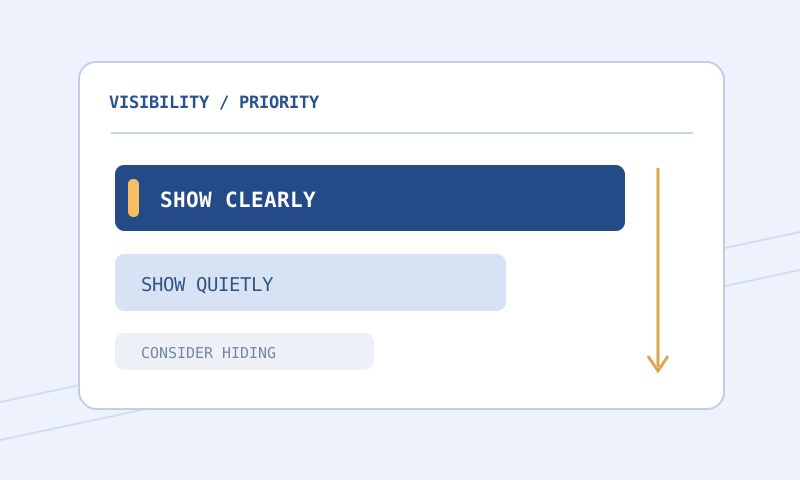
During progression, broad visibility can be more useful than an aggressive selection model copied from an experienced farmer. A character replacing equipment frequently has a different cost of missing a drop. Quiet neutral labels can preserve learning opportunities without giving every ordinary item a dramatic alert.
Protect progression and project-specific supplies
Identify resources whose usefulness depends on your current plans rather than their presumed sale price. A supply you already have in abundance may need little emphasis, while the same supply can matter after a crafting session. A static filter cannot know your inventory or predict what you intend to do next.
Review progression-related categories separately from ordinary equipment. If a category is essential to the activity you are doing, ensure it remains reachable and visible in the actual rules. Do not trust a preset title to establish that every relevant base or newly introduced item is included.
Understand what carries over and what does not
The rule structure remains important
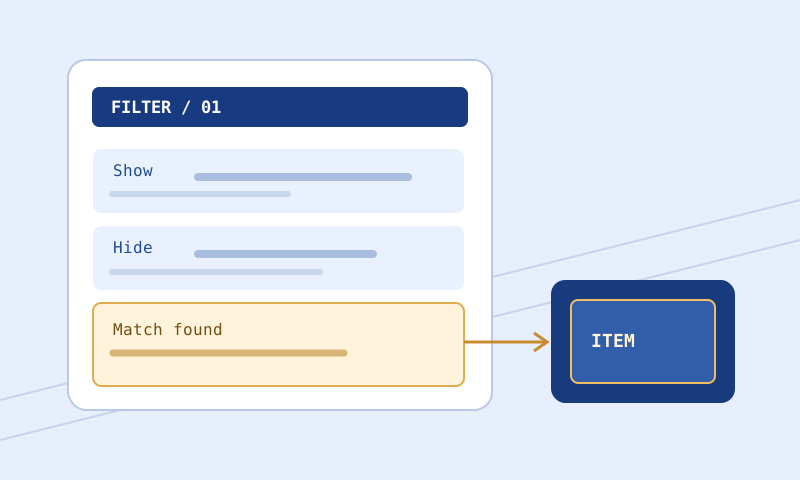
Filter blocks combine conditions and actions. All conditions in a block must match before its actions can apply. A matching Show or Hide normally stops evaluation unless Continue permits processing to proceed. This makes order a functional part of the file, not a matter of personal formatting preference.
A specific exception can be defeated by a broader earlier rule. When a wanted item receives an unexpected label, inspect the earlier path before editing the style lines in the desired block. Adding Continue without understanding its later consequences can make the file more confusing rather than more correct.
Game-specific conditions need game-specific review
The reviewed GGG reference explicitly labels conditions including WaystoneTier and UnidentifiedItemTier as PoE 2-specific. Their existence does not mean every browser evaluator implements them or that every copied item supplies the required property. Check both the language reference and the tool’s stated support before treating a test as complete.
A documented condition can be syntactically valid while its usefulness depends on context. An unidentified-item tier is not a live market price, and a progression-tier threshold does not establish that every matching item belongs in the same economic category. Use such properties to express a deliberate selection goal, not as substitutes for an unavailable valuation system.
Do not import first-game assumptions about item data
Copied text, classes, socket-related information, and progression systems should be evaluated against the second game’s actual data. A familiar word does not guarantee identical semantics. If a tutorial was written for PoE 1, treat its code as something to research rather than something to paste unchanged.
The same caution applies to external filter snippets. Confirm the game, date, relevant mode, and intended purpose. A short snippet may depend on earlier rules that were not included in the post where you found it. Preserve the source context in your own notes, but write and review your own complete file rather than assembling unexplained fragments.
A practical creation workflow
Choose the PoE 2 starter deliberately
Open the Loot Filter Builder and select Path of Exile 2 before editing categories. Inspect the available starter data rather than assuming it is exhaustive. If the category model cannot express a needed exception, keep a broader category visible or maintain a carefully reviewed text-based filter instead.
Start with a level whose exclusions you can explain. Familiar strictness names are descriptive conventions, not a promise that an author has captured your goals. Do not choose an aggressive level simply because your character has reached a later activity. Your supplies, upgrade plans, and willingness to inspect drops still determine the right trade-off.
Design a small set of visual roles
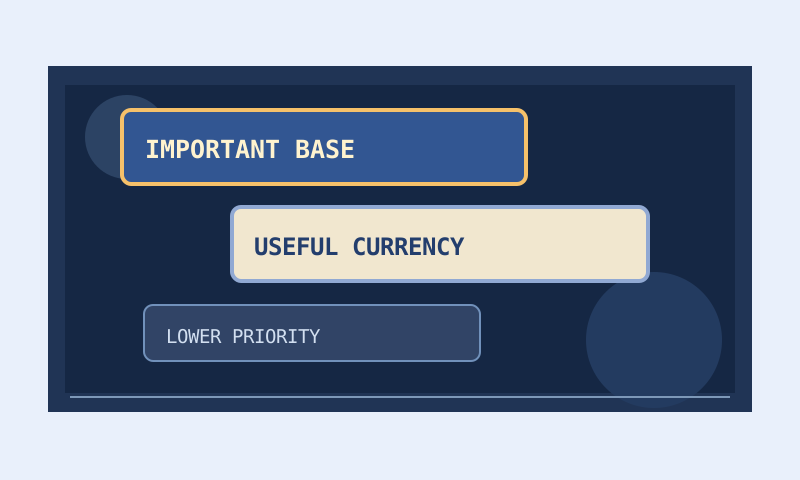
Assign clear meanings to text, background, border, size, and audio. For example, personal equipment interest can use a distinctive border while progression resources receive a stable background family. Avoid a different arbitrary color for every category. A smaller system is easier to learn, audit, and adjust when priorities change.
Review transparent backgrounds against several ground swatches in the Color and Contrast Palette. Use color-vision simulations as approximate warnings about fragile distinctions. Add non-color cues where two important categories become hard to separate. Neither the simulation nor a contrast ratio proves exact appearance in the running game.
Inspect the generated text
Read the major Show and Hide blocks, their order, and any fallback behavior before downloading. Keep a separate revision with a filename that identifies the game and purpose. A generated header is useful context but does not certify complete item coverage or current-patch validity.
Use Filter Compare whenever you change strictness or manually edit conditions. Prioritize changed headers, operators, imports, and Continue instructions before cosmetic differences. A single changed comparison can affect a boundary item even if every category title remains familiar.
Examples of careful testing
A progression-tier threshold
Show
    WaystoneTier >= 1
    SetTextColor 230 245 255
    SetBorderColor 80 170 240
    SetFontSize 36
This educational PoE 2 example illustrates a condition named in the reviewed documentation. It is not a complete filter, an economy tier, or a current-patch test result. Check present syntax in the official reference before use. If the browser evaluator does not support the condition or cannot obtain the item’s tier, its result must remain unresolved rather than being treated as a confirmed match.
A boundary needs more than one sample
If you change a threshold, test an actual item at that boundary and another outside it when available. A sample well above the threshold cannot distinguish between an inclusive and exclusive comparison. Keep the raw copied text with your notes so that you can see whether the relevant property was genuinely supplied and recognized.
A broad category hides a personal upgrade
Suppose a new preset removes a family of ordinary equipment that contains a base you want. Restore the permissive version first. Then add or review a specific exception ahead of the broad terminating exclusion, using documented names and operators. Test similar but unwanted bases as well so that the fix does not create a much broader highlight than intended.
Read browser results as bounded evidence
The Filter Validator checks supported syntax and obvious issues. The Item Tester evaluates supported matching behavior from supplied item text. A clean validation report does not establish complete semantic support, and a rendered label does not prove that every prior condition was known.
Inspect parsed item fields before trusting a test. Missing information is not equivalent to a false property or a numeric zero. Unsupported conditions, missing fields, and unresolved imports can all produce uncertainty. Keep that uncertainty in your review record instead of replacing it with the outcome you hoped to see.
Custom sound files are another separate dependency. The browser cannot inspect your unrestricted game directory. It may identify the referenced filename without knowing whether the game can access it. Verify local availability and actual playback independently.
Install without borrowing unverified path assumptions
Follow the local installation guide and use the checklist for PoE 2. Community guidance commonly describes a Windows folder under Documents\My Games\Path of Exile 2, but that is a qualified example, not a verified current universal path. Prefer the current client’s folder-opening control when available.
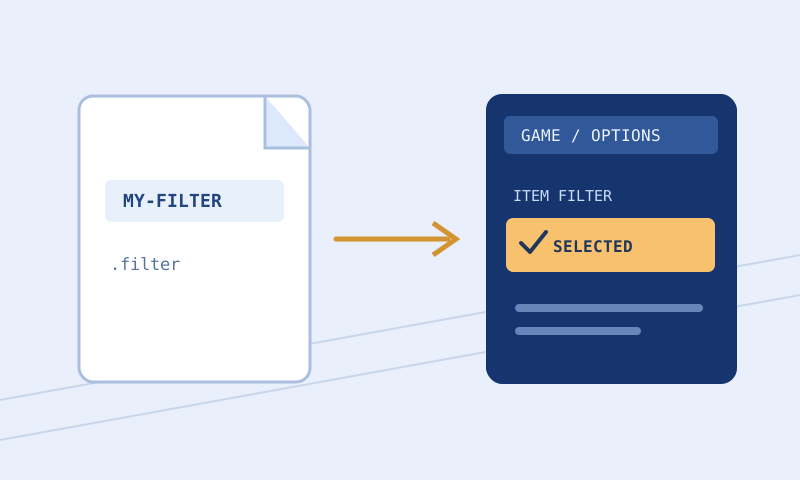
Inspect the full .filter extension, select the distinctive filename in the actual client, and use the available reload control after edits. Menu placement described as Options and Game requires local confirmation. These steps do not establish support for console, alternative operating systems, or cloud clients. Keep a known working filter ready to restore.
Common problems and fixes
A familiar PoE 1 keyword fails
Check whether it is valid for PoE 2 and whether its arguments refer to current second-game classes or properties. Do not keep adjusting punctuation around an instruction whose underlying purpose is incompatible. Research the intended behavior in the game-specific reference.
A tester result omits a progression condition
Read the support warning and parsed fields. If the evaluator lacks the condition or item property, use an in-game test rather than treating the rest of the trace as complete. A tool’s limited support is not evidence that the game ignores the condition.
A more restrictive preset makes upgrades hard to find
Reduce strictness and review the excluded categories against your current equipment needs. Endgame activity alone does not eliminate upgrade opportunities or supply requirements. Tighten again only after the unwanted categories are clearly identified.
Frequently asked questions
Can one filter serve both games?
Do not assume so. Similar syntax does not ensure compatible classes, conditions, or item systems. Maintain separately reviewed files for each game.
Are the starter tiers based on current prices?
No. They are static original examples intended for learning and customization. The site does not fetch market prices or automatically update value rankings.
Does UnidentifiedItemTier reveal all item value?
No. A documented tier property is not a guarantee of sale value or suitability for your build. Use it only for an explicit, understood filtering purpose.
Why can a valid condition be unsupported in the tester?
The game language and browser evaluator have different scopes. Tool implementation may cover only a subset, and copied text can lack the needed property even when the condition is understood.
Are the installation steps verified on console?
No. The local-file examples do not establish console support. Consult current official platform guidance and the controls available in that client.
What version was verified?
No current game version is certified. The reference documentation was reviewed on September 30, 2026; in-game verification remains a separate task.
Related reading
Read the strictness decision framework, the sounds and colors guide, and the PoE 1 guide for an explicitly separate workflow. Use GGG’s item-filter documentation for exact keyword definitions and game-specific notes.